 :
:  :
: 
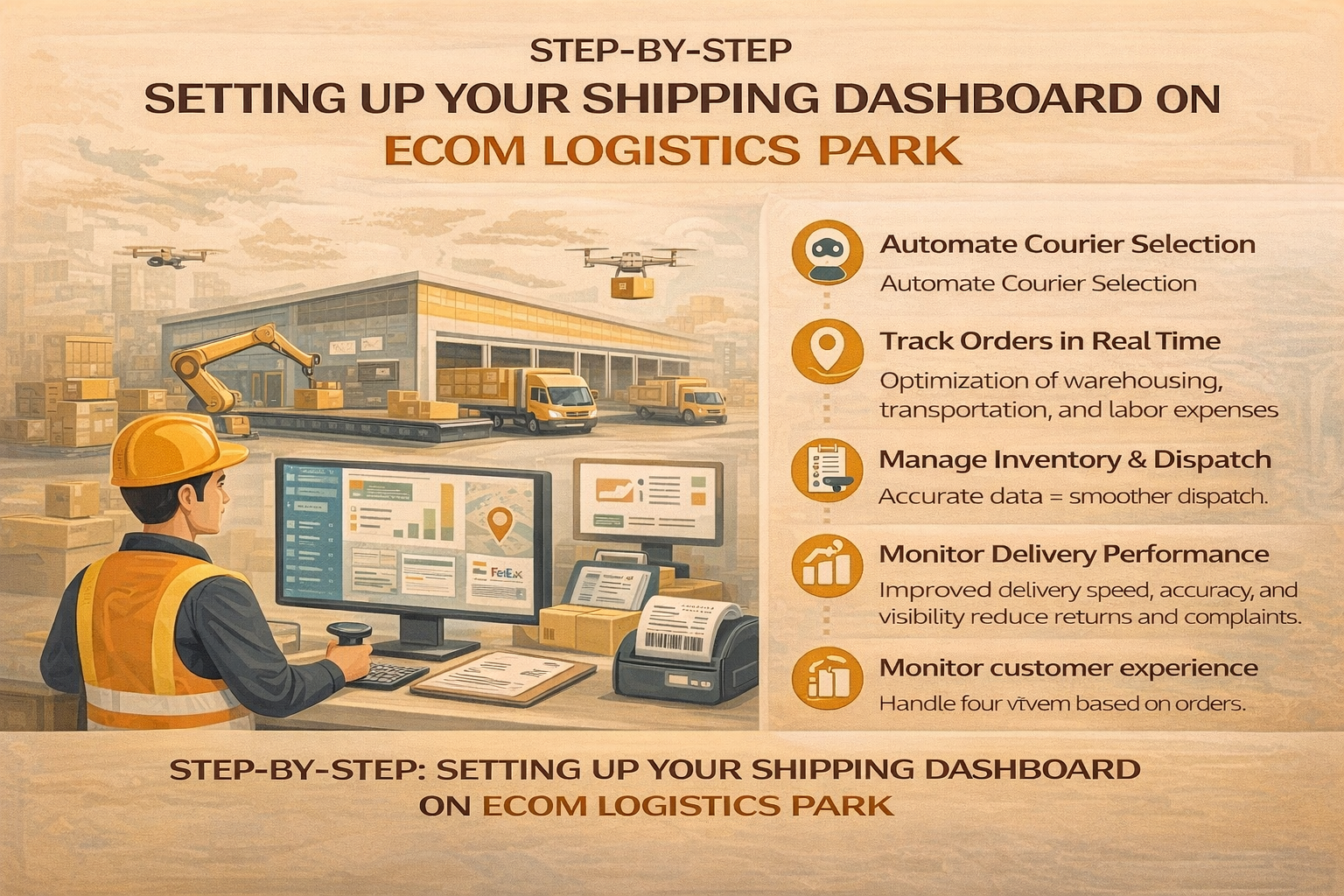
Step-By-Step: Setting Up Your Shipping Dashboard on Ecom Logistics Park
A shipping dashboard is the control center of your logistics operations. It gives you visibility into orders, inventory, couriers, and delivery performance—all in one place. Setting it up correctly from the start ensures faster dispatch, fewer errors, and smoother order fulfillment.
Here’s a simple step-by-step guide to setting up your shipping dashboard on Ecom Logistics Park.
Step 1: Account Setup & Business Details
The first step is creating your account and entering basic business information.
You’ll need to provide:
-
Business name and contact details
-
Pickup location(s)
-
Product categories and shipment type (B2C, B2B, COD, prepaid)
This information helps configure your dashboard according to your operational needs.
Step 2: Add Pickup Locations & Warehousing Preferences
Once your account is active, configure your pickup or warehouse location.
You can:
-
Add one or multiple pickup points
-
Define cutoff times for same-day dispatch
-
Choose warehousing or fulfillment support if required
Accurate pickup details ensure smooth handover and faster order processing.
Step 3: Integrate Order Channels
To automate order flow, connect your sales channels to the dashboard.
This allows:
-
Orders to sync automatically
-
Real-time order status updates
-
Elimination of manual data entry
All orders—regardless of channel—appear in one unified dashboard.
Step 4: Configure Courier Preferences
Your dashboard lets you manage courier settings based on your business priorities.
You can:
-
Enable AI-powered courier selection
-
Set preferences for speed, cost, or reliability
-
Define COD and prepaid shipment rules
This ensures each shipment is assigned the most suitable courier automatically.
Step 5: Set Up Shipping Rules & Automation
Automation is where the dashboard truly adds value.
You can configure:
-
Auto-assignment of couriers
-
Weight-based shipping rules
-
Serviceability checks by pin code
-
Automatic label and invoice generation
These rules reduce manual effort and speed up dispatch operations.
Step 6: Inventory & Order Visibility Setup
Your shipping dashboard provides real-time visibility across inventory and orders.
You can:
-
Track stock levels
-
Monitor order status (picked, packed, dispatched, delivered)
-
Identify delays or exceptions instantly
This visibility helps prevent stockouts and fulfillment delays.
Step 7: Enable Tracking & Customer Notifications
Tracking and communication are critical for delivery success.
The dashboard allows:
-
Real-time shipment tracking
-
Automated customer notifications (order shipped, out for delivery, delivered)
-
Reduced customer support queries
Clear communication improves customer trust and first-attempt delivery success.
Step 8: Monitor Performance & Analytics
Once operations are live, use the dashboard’s analytics tools to track performance.
Key metrics include:
-
Delivery timelines
-
Courier success rates
-
RTO percentage
-
COD reconciliation status
These insights help you optimize logistics decisions over time.
Conclusion: Your Command Center for Smarter Shipping
Setting up your shipping dashboard on Ecom Logistics Park is not just a technical step—it’s a strategic one. With automation, real-time visibility, and smart courier selection, the dashboard simplifies shipping while giving you full control over your logistics operations.
Recent Blog

End the Hassle of Managing Multiple Courier Logins
Show the Pain of Juggling 5+ Courier Logins and How…

To-Pay vs Prepaid vs COD Explained for B2B Sellers
Understanding To-Pay vs Prepaid vs COD: What Every B2B Seller…

Complete Guide to Export Your Product from India Successfully
Here's the provided markdown converted to WordPress HTML format: I…
